

Warning: Due to the nature of the content, this contains some graphic images - if that's not for you don't continue.
Just looking for Some Troubleshooting? Skip to the end
Why?
Good question – why am I doing this?
My curiosity in this started when I kept seeing Brutal Doom popping facebook pages in my feed.
They looked cool and like anyone who’s ever played Doom you get the idea – but what even is Brutal Doom? I pondered. More on that later.
As a youngin I used to love Quake mods and “Total Conversions” – I might still have a PC Gamer disc somewhere full of them, probably doesn’t work anymore though.
I’d spend hours & days creating my own maps and skins. Back when “skins” were fucking skins and not completely different models. In fact, I have recently for nostalgia modified via blender and imported into Godot Game engine the character models from the original Quake and applied new animations to for a shooter game I’ve been working on (release date never) – and yes I had the joy of generating many fun and interesting skins for the old Quake ranger.
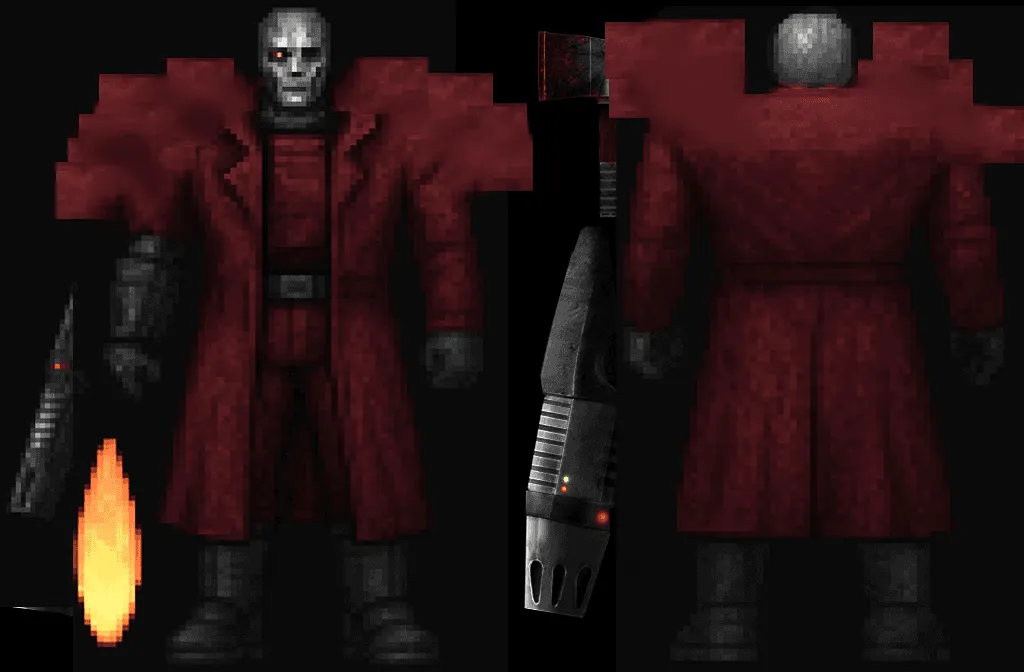
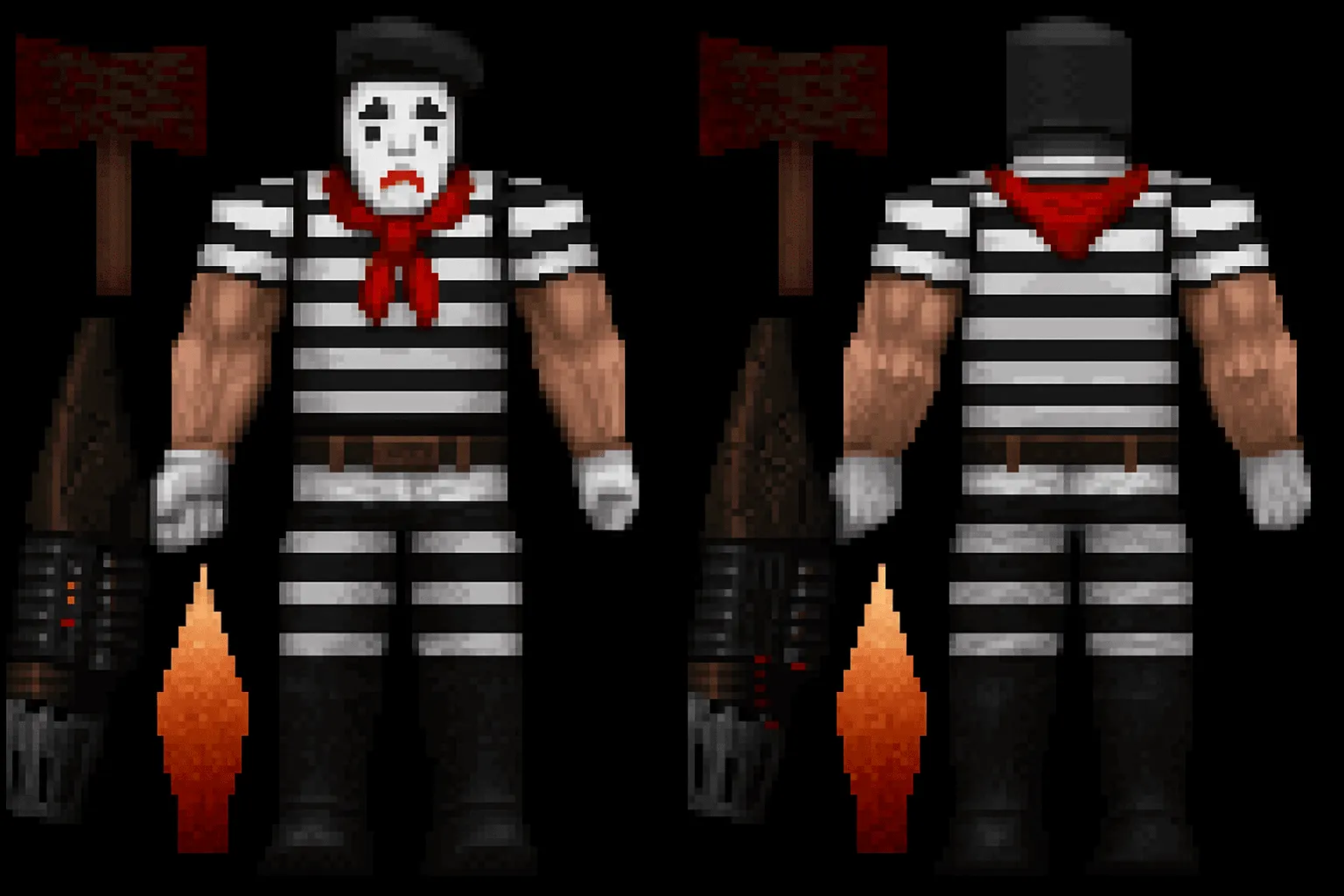
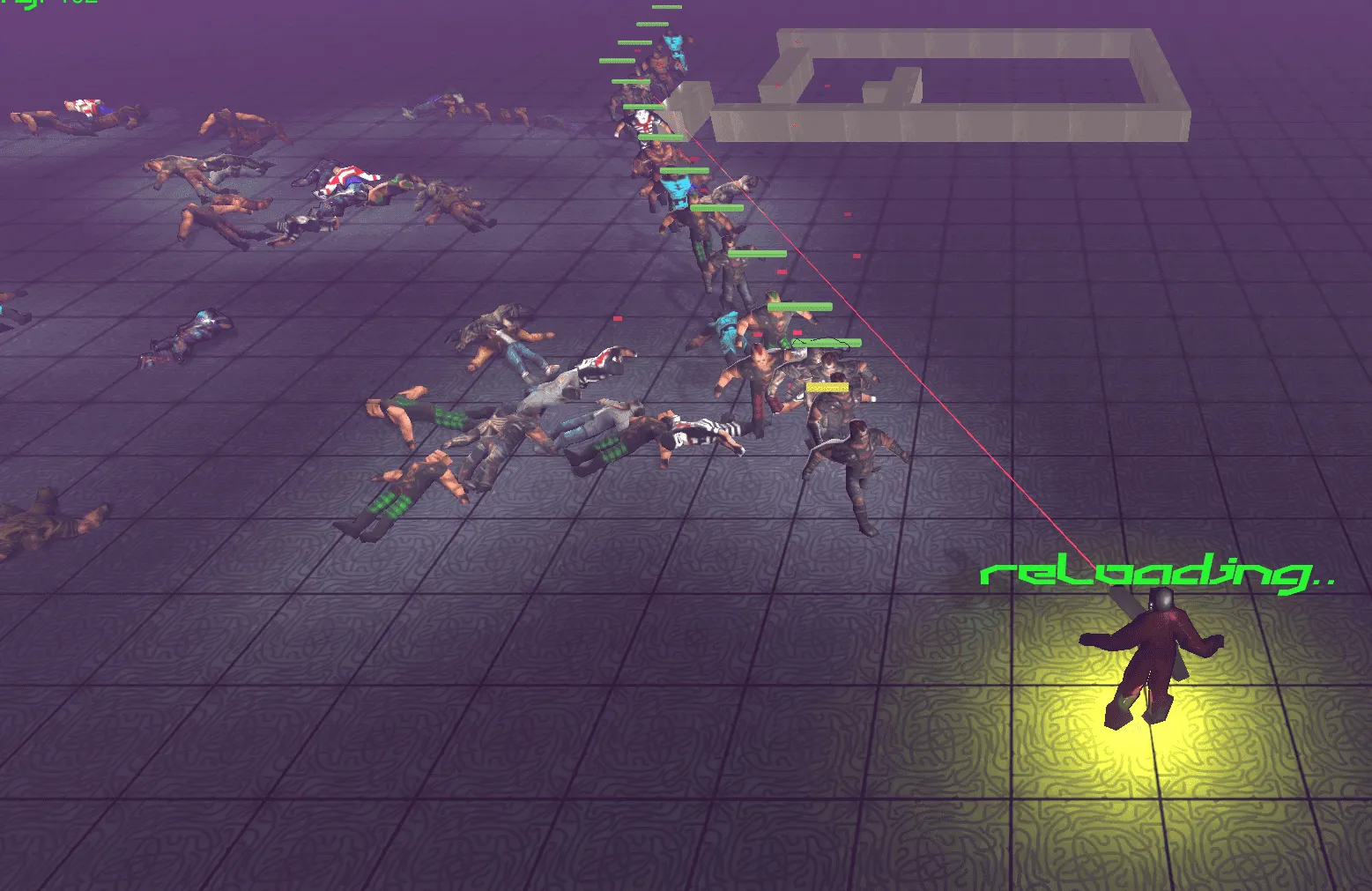
But I never really got into Doom Modding. Anyway, seeing those posts got me thinking that looks fun but I bet it doesn’t work well on a Mac. This was partly true. And how do I run this?
What is Brutal Doom?
Brutal Doom is a gameplay modification (“mod”) for the 1993 game Doom, created by Marcos Abenante AKA Sergeant Mark IV. If I don't flesh this out later more info at https://www.moddb.com/mods/brutal-doom
So what did I do?
I’d previously as a form of procrastination compiled “Chocolate Doom” interested in experimenting with the theory of the “Non-Euclidean Doom” – Where PI is a hardcoded constant in the original Doom but was actually wrong, correcting pi or changing to other values yields very interesting results in the “3D” world of Doom. This isn’t about that though see: https://boingboing.net/2024/05/17/non-euclidean-doom-where-the-value-of-pi-is-not-3-14159.html and watch the vid for more on that. The point is, I thought worse case, if I have to compile Doom I can do. But just not this Doom, chocolate Doom is a vanilla Doom, Brutal Doom needs to use GZDoom, Zandronum engines or similar.
So I downloaded Zandronum. I can run Doom yay. Actually I can’t yet, you need to add the Doom wad files (Google it) anyway I added Doom 1 Shareware and Doom 2 Wad files and got going again. Dropped them in the same folder as Zandronum and there we are we can play Doom 1 / 2 on a mac. Now to try with mods… I headed over to Brutal Dooms page on moddb https://www.moddb.com/mods/brutal-doom and thought I’d start enthusiastically with the most recent “Test 6” version 22.
The .pk3 files didn’t detect. They just don’t show in the launcher. Well that’s fine, I did choose an experimental version! So got the latest stable 21 version, same issue. Tried various locations to load them, that didn’t work. Tried dragging and dropping as suggested, double clicking the associated .pk3 files, that didn’t work either.
At this point I was getting tired so decided to try a different Doom port. Enter UZDoom - https://github.com/UZDoom/UZDoom a fork of GZDoom created after some drama. (See https://www.reddit.com/r/boomershooters/comments/1o6yw7o/important_announcement_regarding_the_gzdoom/ ) So you can download relaeases straight from the github, but I chose to compile it myself as I didn’t really know that much about it, after doing a few checks to be sure it was likely legit and not going to send pictures of my dog to Korea. Nice interface and launcher… same issues as Zendaya or whatever that other one was called. Also the parameter field didn’t work for me – this one is probably due to me building the latest but the solution was to just run via cli and ignore the launcher which still comes up but actually runs with the mod.
Once I got that working I shot a bunch of guys (in Doom) then went to bed.
The next day I tried the “Test 6” again – no audio…actually some audio. This was actually listed as a known issue for UZDoom 4.14.3 on Mac so will maybe look into a fix or a workaround for this later. I did consider trying one of the earlier releases but couldn’t be bothered. Providing the file via cli parameters does in fact work with Zandronum too without audio issues but I preferred UZDoom so I tried the 5.0.0 experimental version which seems to be running fine, with sound!
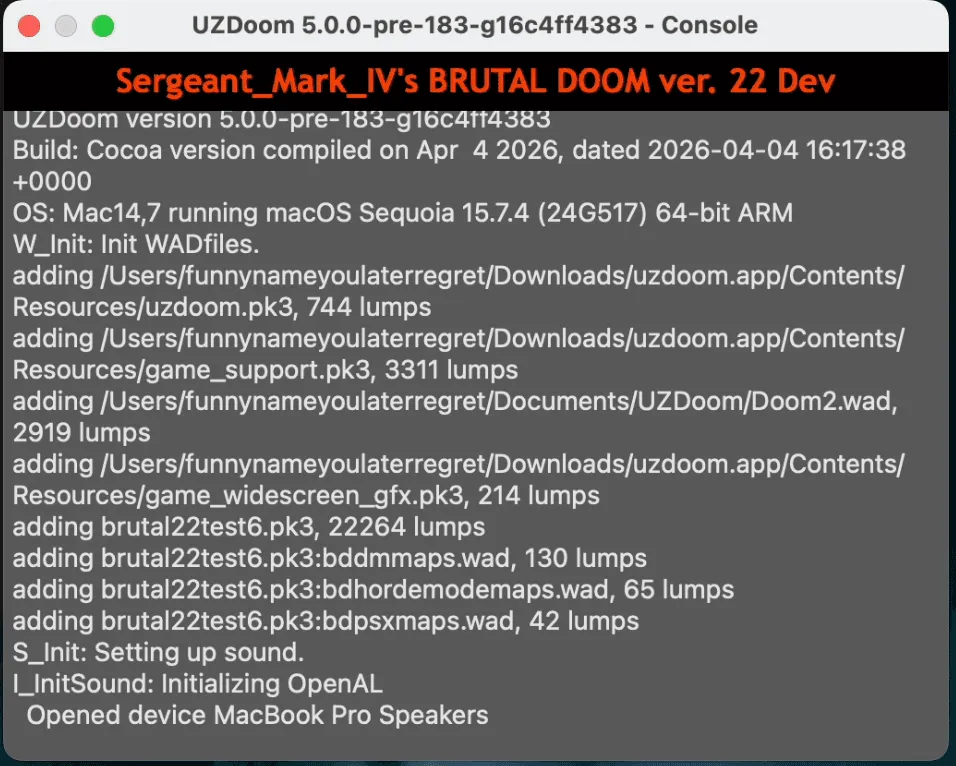
~/Downloads/uzdoom.app/Contents/MacOS/uzdoom -file brutal22test6.pk3
— Example Command (UZDoom in downloads folder, adjust accordingly)
Finally…
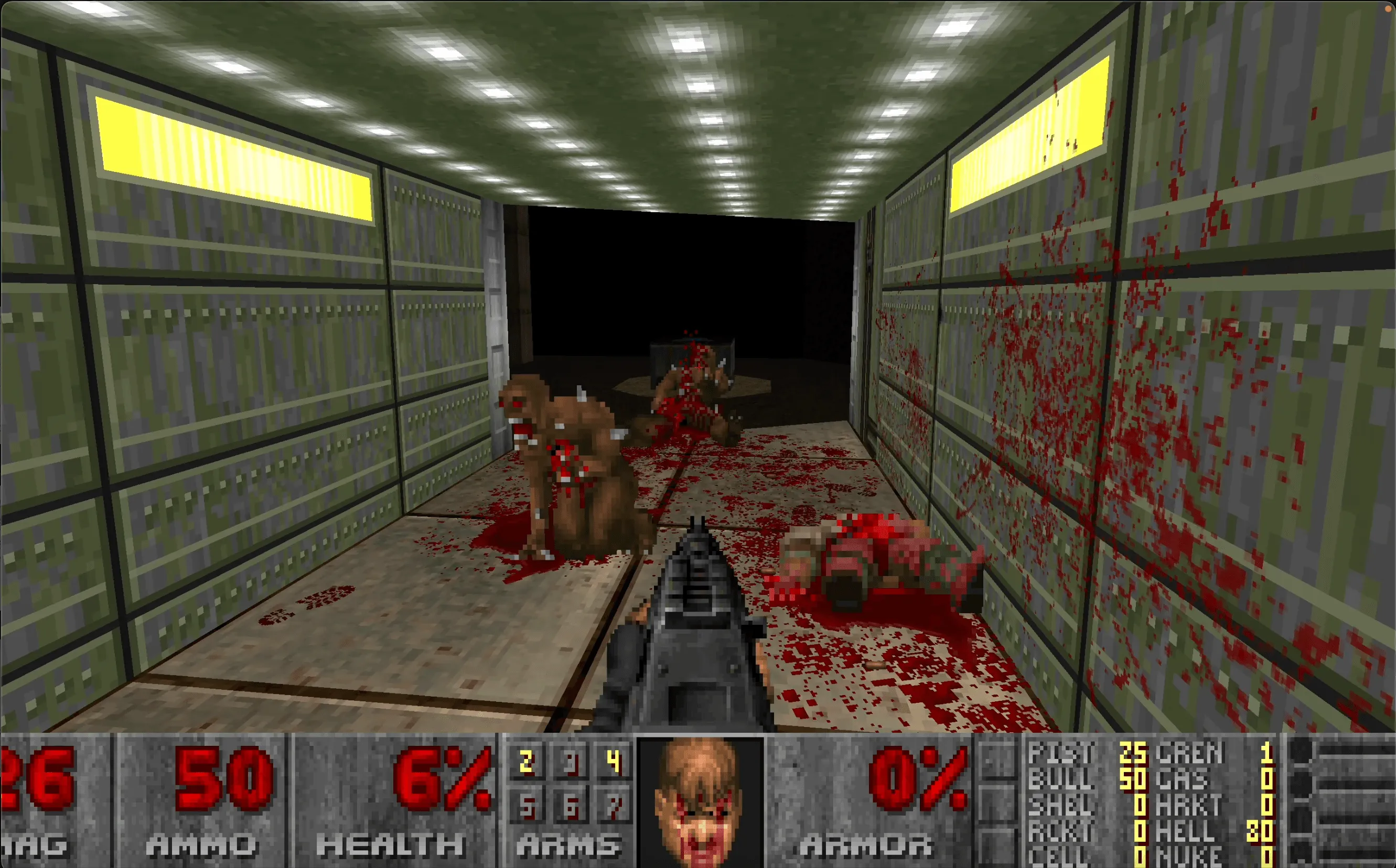
Finally, I was able to play Brutal Doom and am so far enjoying it, I have a million settings to configure such as mouse speed etc. and maybe attempt to get a game controller working but it’s been fun now to rip and tear through this mod and look at some others. Let me know on social media comments the best mods and wads! I think it’s really cool that there are communities still creating mods and engine ports for the original Doom games.
Issues I had and how I resolved them – or at least tried.
Pk3 files not detecting
In Zandronum these just would not get picked up, I tried them in all the directories from the docs, and nothing. Adding their location to the path also didn’t work. Interestingly, in all of these locations the wad files for Doom 1 &2 were picked up.
Tried the same in UZDoom – nice launcher, all the same problems can just see the wads. UZDoom does have an additional parameters box where I’m sure if I added -file brutalv21.pk3 that would maybe load. But for some reason I couldn’t type most characters in that box (or other text boxes)! Hopefully if someone lands on this via searching this will help!
The very simple solution Ensure the file is in the same directory as the app, ignore all the other location attempts then run via cli:
Example in the same directory as the app and brutalv21pk3 (You can specify more mod files, just using this one as example)
uzdoom.app/Contents/MacOS/uzdoom -file brutalv21.pk3
Note, run from the folder where you have the app as this is a mac app, the binary is in Contents/MacOS/uzdoom within the app. In finder you can right click and show contents. After testing, this also works in Zandronum. Or specify the full path of the app binary or pk3 file(s) e.g.
~/Downloads/uzdoom.app/Contents/MacOS/uzdoom -file brutal22test6.pk3
No audio / some audio with UZDoom on Mac
Known issue UZDoom 4.14.3 will update this if I find a workaround For now, used the above fix to run in Zandronum or the Experimental 5.0.0 preview of UZDoom.
Solution
Use either Zandronum or the latest Experimental version of UZDoon..or wait until its stable.
Gamepads / Controllers not working
In my case a PS5 Dual Shock controller, I didn't get a solution to this yet but browsing the issues on the projects github repository I gave it a go but didn't expect it to work well - it didn't.